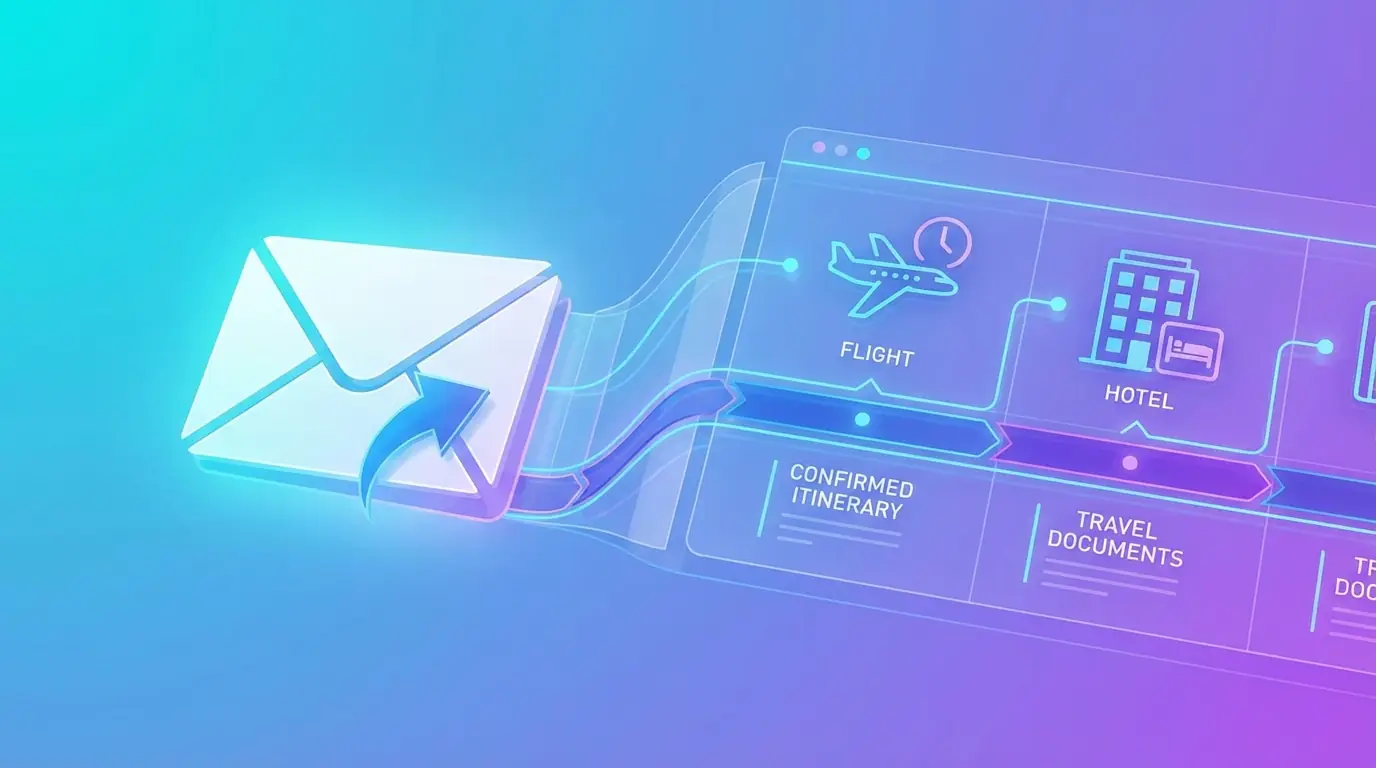
Quick answer: keep original travel confirmations in a dedicated inbox label, then forward selected messages to a reviewable itinerary. Check names, local dates, times, locations, references, and cancellation terms before accepting each imported booking.
The problem is that confirmation emails are designed for delivery, not organization. TripCache helps turn those emails into a structured itinerary through its email-to-itinerary automation. Email import is part of TripCache Pro and includes a monthly import allowance; cancellation reminders, documents, and exports are free on every plan.
Key takeaways
- An inbox label preserves the source message; an itinerary makes the booking usable in trip order.
- Selective forwarding gives you control over which messages leave the inbox.
- The booking provider remains the final authority for schedule, status, and refund rules.
Why Travel Emails Become Chaotic
Travel confirmation emails often have:
- Different subject line formats.
- Different time zones.
- Attachments and embedded QR codes.
- Multiple confirmation numbers.
- Cancellation rules buried in small print.
- Updates that arrive after the original booking.
If your trip has five or ten bookings, manually searching email becomes unreliable.
The Email-to-Itinerary Workflow
1. Forward the Confirmation
Forward flight, hotel, rental car, ticket, or booking emails to your TripCache address. Attached PDFs and screenshots are read too.
If you automate this step in Gmail, follow Google's current automatic forwarding guidance and keep filters narrow enough to avoid forwarding unrelated messages.
2. Review the Draft
TripCache extracts the important details, including a free-cancellation deadline when the email states one, and creates a draft so you can review before saving.
3. Attach It to the Right Trip
Once accepted, the booking sits inside the trip timeline with the rest of your itinerary.
4. Add Documents and Reminders
If the booking has a PDF, QR code, or receipt, save it to the same trip. If it has a cancellation deadline, set a reminder on the booking.
Which Emails Should You Forward?
Forward anything you may need during travel:
- Airline booking confirmations.
- Flight change notices.
- Hotel and apartment stays.
- Rental car reservations.
- Train, ferry, and bus tickets.
- Airport transfer bookings.
- Activity and tour confirmations.
- Event tickets.
- Restaurant deposits.
- Parking reservations.
Save travel insurance, receipts, and invoices to the trip's documents instead. For complete trip coverage, pair this with our travel booking organizer checklist.
How to Avoid Duplicate Bookings
When organizing confirmation emails, duplicates can happen if you forward both the original booking and later updates. A good workflow is:
- Forward the original confirmation.
- Forward schedule changes or updated confirmations.
- Review drafts before accepting.
- Keep the most accurate booking details in the trip.
- Archive old emails once the itinerary is correct.
TripCache keeps you in control by using drafts rather than blindly adding everything.
The complete review process, including common parser failure cases, is in how email-to-itinerary automation works.
Why This Helps Business Travelers
Business travelers often need a clean record for reimbursement. Email automation helps because:
- Flight and hotel details are captured quickly.
- Receipts stay connected to the trip.
- Free CSV and PDF exports turn the trip into a report.
Read more in our business travel expense reporting guide.
Why This Helps Families
Families often book from several accounts and providers. One parent may book flights, another may book hotels, and tickets may arrive in a separate inbox. Collecting every confirmation in one TripCache trip gives the person organizing it a single view, and a trip-card image is easy to send to everyone else.
Travel Email Organization Checklist
Use this rule: if you might search for it at the airport, hotel, rental counter, or event gate, forward it.
Then check:
- Is the booking attached to the right trip?
- Is the confirmation number saved?
- Is the document or ticket uploaded?
- Is there a cancellation deadline?
- Is the latest update reflected?
Turn Email Into a Travel System
You do not need a more complicated inbox. You need a better destination for travel emails. TripCache turns confirmation emails into organized trips, then keeps documents, reminders, and exports connected to the itinerary.
If you want the product workflow, start with the TripCache travel email organizer.
Before enabling import, review TripCache's current platform disclosures on the official App Store listing and Google Play listing.