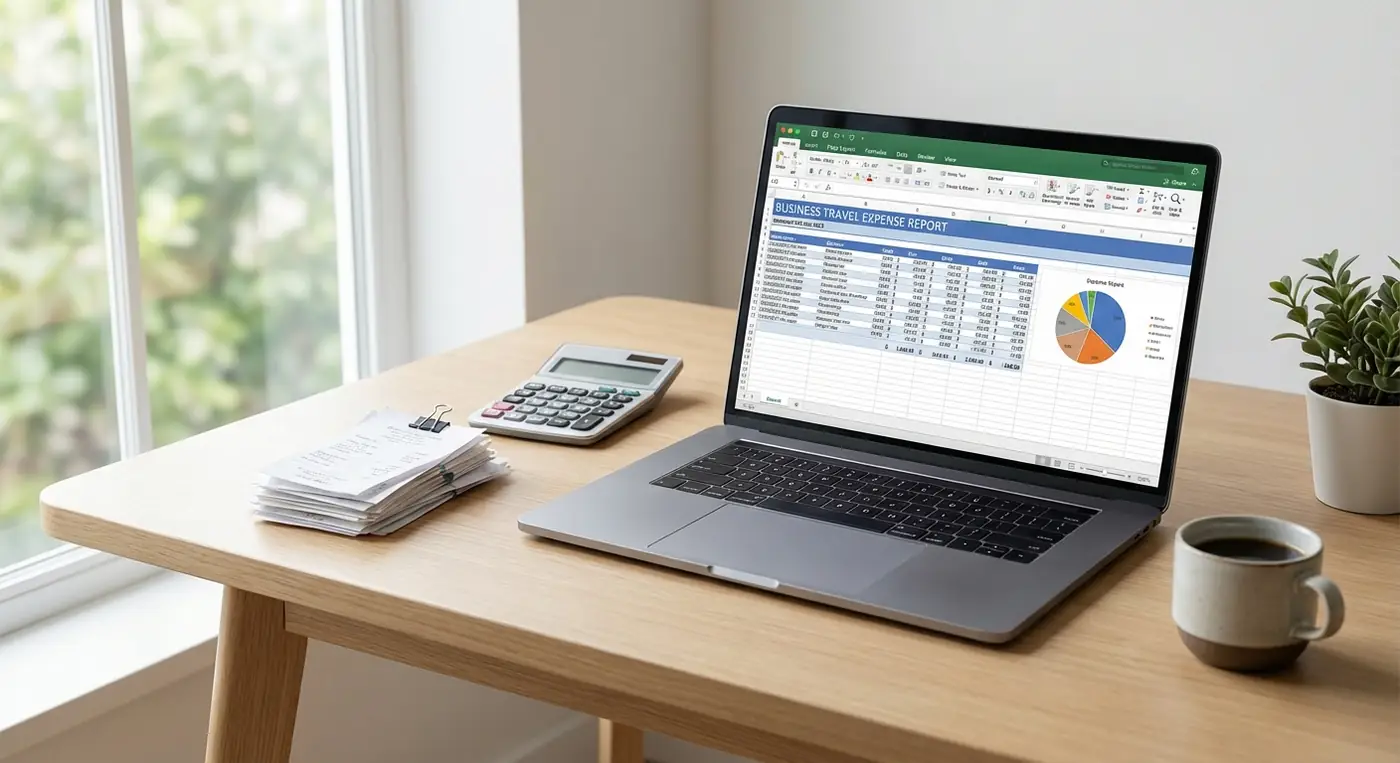
Quick answer: capture each business travel receipt with its trip, date, amount, currency, category, and business purpose while the details are fresh. Reconcile the trip against provider and payment records, then export the reviewed rows in the format your employer requires.
TripCache helps business travelers keep expense reporting connected to the trip itself. The product workflow is covered on the business travel expense organization page.
Why Business Travel Expenses Are Hard to Track
Expense reports fail when information is scattered:
- Flight confirmations stay in email.
- Hotel invoices arrive after checkout.
- Rental car receipts are downloaded from a portal.
- Meal receipts sit in photos.
- Parking receipts get lost.
- Client-related notes stay in a calendar invite.
- Cancellation fees appear because deadlines were missed.
For U.S. tax records, IRS Publication 463 explains that timely records carry more weight than statements reconstructed later. Requirements vary, so follow your employer and the authority where you file.
What a Business Travel Expense App Should Do
A useful business travel expense workflow should include:
- Trip-based organization.
- Booking confirmations.
- Receipt and invoice storage.
- Travel document storage.
- CSV exports.
- Cancellation reminders.
- Travel history (see how to find your travel history for older trips).
- Notes for clients, projects, or reimbursement categories.
TripCache brings those pieces into the itinerary instead of forcing travelers to rebuild the story later.
A Better Expense Workflow
1. Build the Trip Before Departure
Add flights, hotel, rental car, meetings, parking, and expected activities by hand, or forward travel confirmation emails with TripCache Pro so the trip starts from the original details.
2. Save Receipts as They Arrive
Save receipts to the trip's documents while they are fresh, and log each amount as an expense:
- Airline receipt.
- Hotel invoice.
- Rental car agreement.
- Taxi or rideshare receipt.
- Parking receipt.
- Meal receipt.
- Wi-Fi or lounge purchase.
- Event ticket.
3. Add Notes for Reimbursement Context
Useful notes include client name, project code, traveler name, meeting purpose, and whether an expense is billable.
The IRS also lists receipts, invoices, account statements, and proof of payment among common supporting records in its business recordkeeping guidance.
4. Export When the Trip Ends
Export a CSV or PDF expense report, filtered by dates and by business or personal trips, to create a cleaner handoff for finance, accounting, or your own tax records. Exports are included in the free plan.
Prevent Avoidable Costs With Cancellation Reminders
One missed hotel or rental car deadline can erase a week of careful budgeting. Add cancellation reminders to refundable bookings so you can cancel in time if a meeting moves or a trip changes.
Read the detailed workflow in our free cancellation reminder guide.
Business Traveler Checklist
Before departure:
- Add the trip.
- Add flights, hotel, rental car, meetings, tickets, and parking.
- Forward confirmation emails (Pro) or add bookings by hand.
- Upload important documents.
- Add cancellation reminders.
- Add project or client notes.
During the trip:
- Save receipts immediately.
- Add notes for unusual expenses.
- Update changed bookings.
- Keep documents in the trip.
After the trip:
- Review the trip history.
- Export the CSV.
- Attach missing receipts.
- Submit the expense report.
Who Benefits Most?
TripCache is useful for:
- Consultants.
- Sales teams.
- Founders.
- Executive assistants.
- Remote teams.
- Freelancers.
- Digital nomads.
- Anyone who needs clean travel records.
Why Trip-Based Expense Reporting Works
Expense categories matter, but travel context matters too. A hotel receipt is more useful when it is connected to the trip, dates, confirmation, cancellation policy, and traveler notes.
TripCache keeps that context together.
Make Expense Reporting Less Painful
You cannot remove every administrative task from business travel. But you can stop rebuilding the trip from scattered emails and receipts.
Use TripCache to organize the trip while it happens, then export cleaner records when it is time to report. With Pro, add email-to-itinerary import so booking confirmations start in the right trip.
For the full before, during, and after sequence, use the business travel organization checklist. This article is organizational guidance, not tax advice.