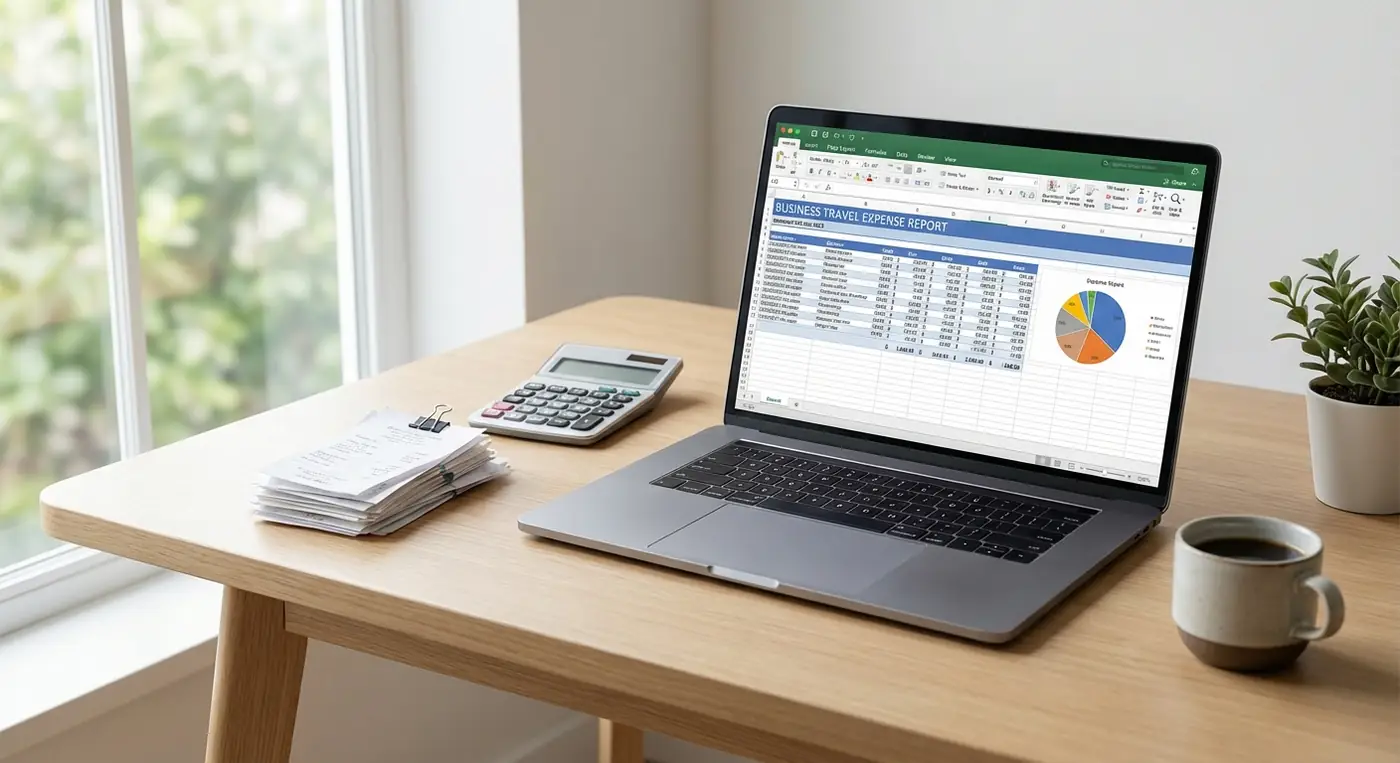
Travel expenses are easier to manage when they are connected to the trip that created them. Flights, hotels, rental cars, meals, tickets, parking, and receipts should not live in separate places.
TripCache helps you organize travel costs by itinerary, then keep documents and receipts with the trip they belong to. Expenses, budgets, and CSV or PDF export are all included in the free plan.
What Counts as a Trip Expense?
Track anything you may need for reimbursement, tax records, budgeting, or review:
- Flights.
- Hotels and stays.
- Rental cars.
- Airport transfers.
- Trains, buses, ferries, and rideshares.
- Meals.
- Parking.
- Event tickets.
- Tours and activities.
- Wi-Fi, lounge access, and baggage fees.
- Cancellation fees.
- Receipts and invoices.
Why Trip-Based Expense Management Works
Generic expense tools focus on categories. Travel needs context too.
A hotel invoice is more useful when it is connected to:
- The trip name.
- Check-in and checkout dates.
- Confirmation number.
- Cancellation policy.
- Traveler notes.
- Related receipts.
TripCache keeps that travel context intact.
A Simple Expense Workflow
1. Add the Trip
Create the trip before departure so you have a place for every cost.
2. Add Bookings
Add flights, hotels, cars, activities, tickets, restaurants, meetings, parking, and notes.
3. Log Costs and Save Receipts
Log each cost as an expense in the currency you paid. TripCache supports 153 currencies, sorts expenses into categories, and locks the exchange rate on each expense, so the trip total in your home currency stays stable. You can also set a budget for each category.
Save receipts to the trip's documents as soon as they arrive. They are stored with the trip rather than on individual expense entries, so make sure the amount is also logged as an expense.
4. Add Notes
Useful notes include client name, business purpose, category, payment method, and reimbursement status.
5. Export or Review
At the end of the trip, review the records and export what you need as CSV or PDF, filtered by dates and by business or personal trips. Exports are free on every plan.
Expense Categories to Track
Common business categories include:
- Airfare.
- Lodging.
- Ground transportation.
- Meals.
- Parking and tolls.
- Client entertainment.
- Conference or event fees.
- Other approved travel costs.
Combine Expenses With Cancellation Reminders
Expense management is not only about tracking what you paid. It is also about avoiding costs you did not need to pay.
Add reminders for refundable hotels, cars, tours, and tickets. See our free cancellation reminder guide and hotel cancellation reminder guide.
Who Needs This?
Trip expense management is useful for:
- Consultants.
- Sales teams.
- Founders.
- Freelancers.
- Digital nomads.
- Families tracking trip budgets.
- Anyone submitting reimbursement claims.
Make Trip Costs Easier to Explain
When travel costs are scattered, expense reporting becomes detective work. When costs are organized by trip, the story is clear.
TripCache keeps bookings, receipts, documents, reminders, and expense context together so you can spend less time rebuilding what happened.